Agency Playbook: Offer Client-Branded Image Optimization Without Owning the Infra
How agencies can package white label image optimization: margin math on prepaid credits, brand control, format defaults, support boundaries, and a launch checklist. You don't have to run any servers.
Mike · · · 8 min read · 1,611 words
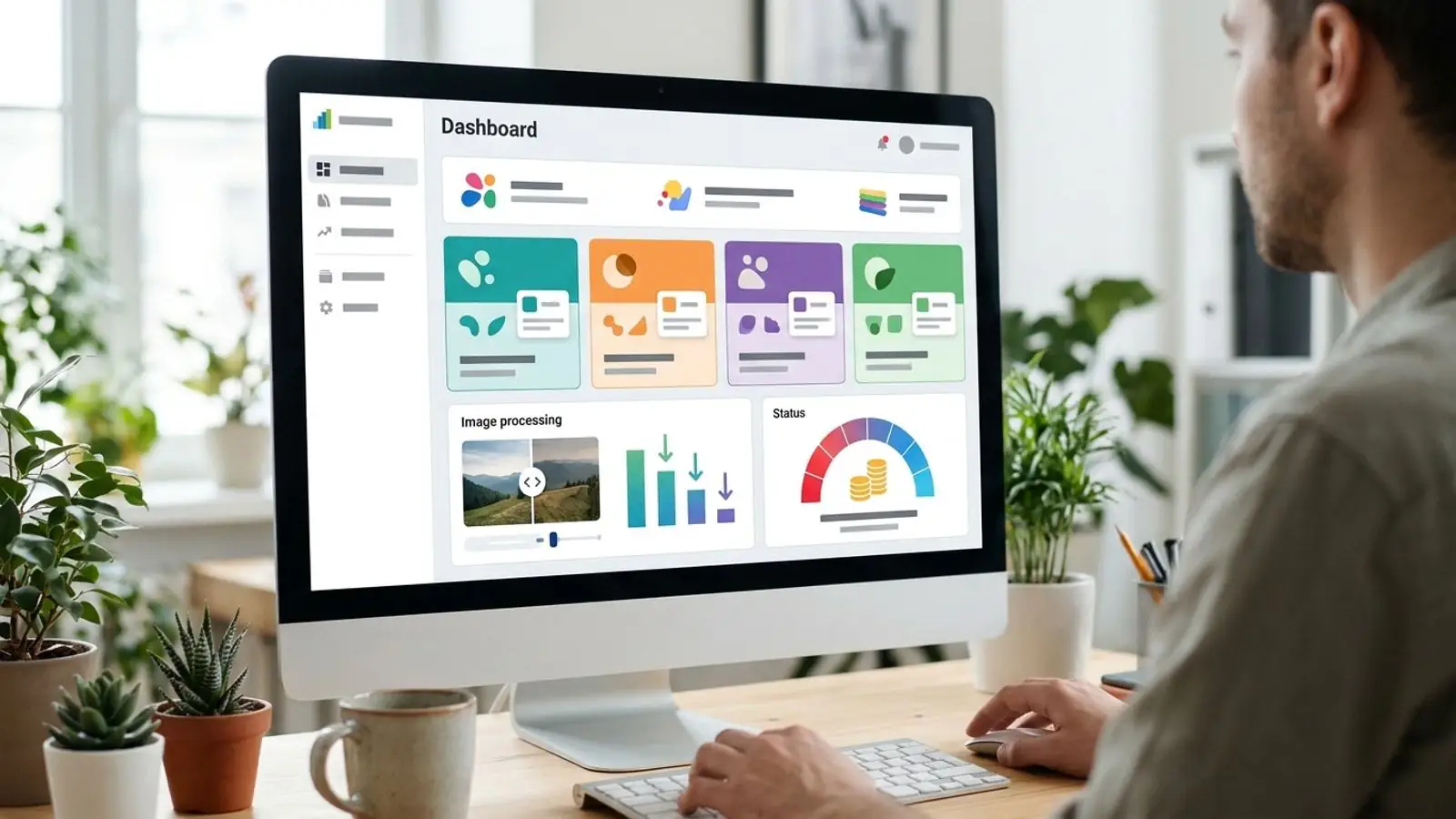
Branded image optimization without is easier when you start with a clear default and a quick visual check.
The problem agencies keep inheriting
Most agencies never plan to run image infrastructure. The work shows up anyway. A client's Core Web Vitals report flags oversized hero images. A CMS migration turns up 40,000 unoptimized product shots. Or a retainer client asks why their marketing team can't "just shrink photos" without filing a ticket.
The usual fixes all have a cost:
- Do it by hand. Designers export twice, nobody remembers the settings, and quality drifts from project to project.
- Send clients to a public tool. It works, but now your client has a relationship with another vendor's brand, and you've given away a recurring touchpoint.
- Self-host a pipeline. That means libvips or ImageMagick behind a queue, plus workers, storage, monitoring, security patches and on-call. At that point you're running a product, not delivering a service.
White label image optimization for agencies is a fourth option. Your clients get a compression and conversion service they see as yours, and you don't operate the infrastructure behind it. This playbook covers how to package it: margin math, brand control, prepaid credits, and where your support responsibility starts and stops.
What Comprestack White label is (and isn't)
Comprestack White label is a sales-provisioned plan. You set it up with our team instead of turning it on at a self-serve checkout. That way your branding and credit balance are correct before your first client uses it.
What you get:
- A branded UI where your clients can compress and convert images (JPG, PNG, WebP, AVIF and other common formats) under your agency's brand.
- A branded API for connecting optimization to client CMSs, build pipelines or DAM exports.
- Prepaid credits, starting at $70 and used at $1 per 1,000 images.
What it isn't:
- Not hosting or a CDN. You still deliver the optimized files to wherever the client's site serves them.
- Not a way to resell our standard plans. Free, Pro and Business are for individual teams. White label is the reseller plan.
- Not outsourced support for your clients. See the support section below.
Margin math with prepaid credits
The cost side is simple: $1 per 1,000 images processed, so a $70 starting balance covers 70,000 images. Your margin depends on how you price the service to clients. Because each image costs so little, how you package the service matters more than the per-image cost.
A worked (hypothetical) example
Say an agency has three retainer clients. These volumes are made up for illustration. They aren't benchmarks:
| Client | Monthly images | Credit cost |
|---|---|---|
| E-commerce store (catalog refreshes) | 12,000 | $12.00 |
| Regional news site | 6,000 | $6.00 |
| B2B SaaS marketing site | 1,500 | $1.50 |
| Total | 19,500 | $19.50 |
At that volume, a $70 balance lasts about three and a half months. Whatever you bill for image optimization, as its own line item or inside a performance retainer, the credits are a small part of it. Your real costs are the hours spent integrating, setting defaults and answering questions, so set your price to cover those hours.
Packaging models
| Model | How you bill | Works best when | Watch out for |
|---|---|---|---|
| Bundled in retainer | Fixed monthly fee includes optimization | Volume is predictable | Large catalog imports using up credits |
| Metered pass-through + markup | Per 1,000 images at your own rate | Volume swings month to month | Clients questioning line items |
| Tiered allowance | "Up to X images/month" per tier | You want simple sales conversations | Tiers set too generously |
| Project fee | One-off migration or backfill | Re-platforming, CMS migrations | Forgetting ongoing uploads after launch |
Two practical rules:
- Keep a credit buffer. With prepaid credits, backfilling an old media library can drain a balance fast. Top up before you hit zero, not after.
- Track volume per client yourself. Keep each client's usage separate so you can bill accurately and spot unusual spikes. The docs explain which options your setup supports.
Brand control: what clients actually see
The point of a client branded compressor is that the client only ever deals with your agency. Before launch, decide:
- Name and look. Will it carry your agency brand, or a co-branded name like "Client X Image Tools" for larger accounts?
- Where it lives. Clients can open the branded UI from your client portal, or the API can work out of sight inside their CMS upload flow.
- Defaults. Clients shouldn't have to pick quality settings. Choose the output format and quality for each client and write them down.
- Wording in deliverables. Describe the service the same way in reports and invoices, for example "image optimization included in performance retainer."
Clients rarely care which engine does the compression. They care that uploads get smaller, the site gets faster and nothing looks worse. Branding makes sure your agency gets the credit for that.
Integration workflow
Use the same rollout for each new client:
- Audit current images. Sample the heaviest pages. Note the formats in use, typical dimensions, and which images need transparency (logos, UI screenshots).
- Choose the entry point. Non-technical marketing teams get the branded UI. Sites with a build step or headless CMS call the reseller image API from upload or publish hooks.
- Set format defaults (see the next section).
- Run a visual review. Compress a representative batch, show before and after side by side, and get sign-off from whoever owns the brand imagery. This one meeting heads off most "the photos look muddy" complaints.
- Backfill carefully. Process the existing library in batches, keep the originals, and check your credit balance between batches.
- Connect it to ongoing uploads. Agency image compression is only worth paying for if it keeps running without anyone having to remember it.
- Report monthly. Include images processed, bytes saved and any format changes. This report is what justifies the line item.
Format defaults for client sites (as of 2026)
Choose conservative defaults, and set them separately for each output channel:
- WebP is a safe modern default for website photos and graphics. All current major browsers support it.
- AVIF often produces smaller files at similar visual quality, and current versions of the major browsers support it. It encodes more slowly, though, and some older devices, apps and third-party tools still handle it badly. Use it with a fallback (for example a
<picture>element), or only where you control delivery. - JPG is still the safe choice for anything that leaves the website: email campaigns, marketplace feeds, partner downloads. Email clients still support modern formats unevenly, so don't count on WebP or AVIF working there.
- PNG is for images that need sharp lossless edges or transparency, such as logos, diagrams and UI screenshots, where lossy compression would leave artifacts. Lossless WebP is often a good alternative.
Write these down for each client. A line like "Website: WebP with JPG fallback; email: JPG; logos: PNG" fits in the client's onboarding doc and answers dozens of questions before anyone asks them.
Support boundaries: who answers what
The quickest way to lose money on a white label service is unclear support ownership. Agree on who handles what before launch:
| Issue | First responder | Escalate to |
|---|---|---|
| "How do I upload?" / "Which format should I pick?" | Your agency | — |
| "This image looks wrong after compression" | Your agency (check settings and source file) | Comprestack, if you can reproduce it with a sample |
| Integration bugs in the client's CMS or build | Your agency | — |
| API errors, downtime, unexpected behavior | Your agency (triage first) | Comprestack |
| Credit balance, billing, plan changes | Your agency with Comprestack | — |
Rules of thumb:
- Clients talk to you, and you talk to us. This protects your brand and keeps the full history of each issue in one place.
- Escalate with evidence. Send the input file, the settings used, the output and timestamps. Issues we can reproduce get fixed faster.
- Write a one-page client FAQ. Cover format choices, realistic expectations (smaller files, not magic) and how to ask for help.
Decision table: which Comprestack plan fits
| Situation | Best fit |
|---|---|
| Your own agency site or a few projects, no client-facing tool | Free (20 images/month) or Pro (~$10/month) |
| Your internal team handles larger volumes, and clients never see the tool | Business (~$35/month) or image packs |
| Clients use the tool themselves, or you build optimization into client sites under your brand | White label |
| You need full control of the engine and have the ops capacity to run it | Self-hosting (expect real maintenance costs) |
If your answer includes both "for our clients" and "under our brand," White label is the plan for you.
Launch checklist
- [ ] White label plan provisioned and branding confirmed
- [ ] Starting credit balance purchased (from $70) and a top-up threshold set
- [ ] Method for tracking each client's usage decided
- [ ] Format and quality defaults written down for each client and channel
- [ ] Visual review signed off by the client's brand owner
- [ ] Originals kept before any backfill
- [ ] Packaging model chosen and reflected in contracts and invoices
- [ ] Support responsibilities and escalation path written down
- [ ] Client FAQ published
- [ ] Monthly reporting template ready
Try it on Comprestack
To check output quality first, run a few client images through the compressor and look at plan limits on the pricing page. The API docs show how integration works, and the blog has more format guides.
When you're ready to put your brand on it, see White label details and contact our team to set up a plan. Prepaid credits start at $70 and cost $1 per 1,000 images. Tell us how many clients you have and roughly how many images a month you expect, and we'll help you choose a starting balance.
Try it on your images
Compress or convert in the browser — same quality-first pipeline we write about.