Stop Reselling TinyPNG Links: Build a Branded Compression API Your Customers Actually Trust
Agencies and SaaS teams still send clients to third-party compressors. Here's a step-by-step workflow for replacing those links with a branded compression API, prepaid credits, and service terms you control.
Mike · · · 9 min read · 1,906 words

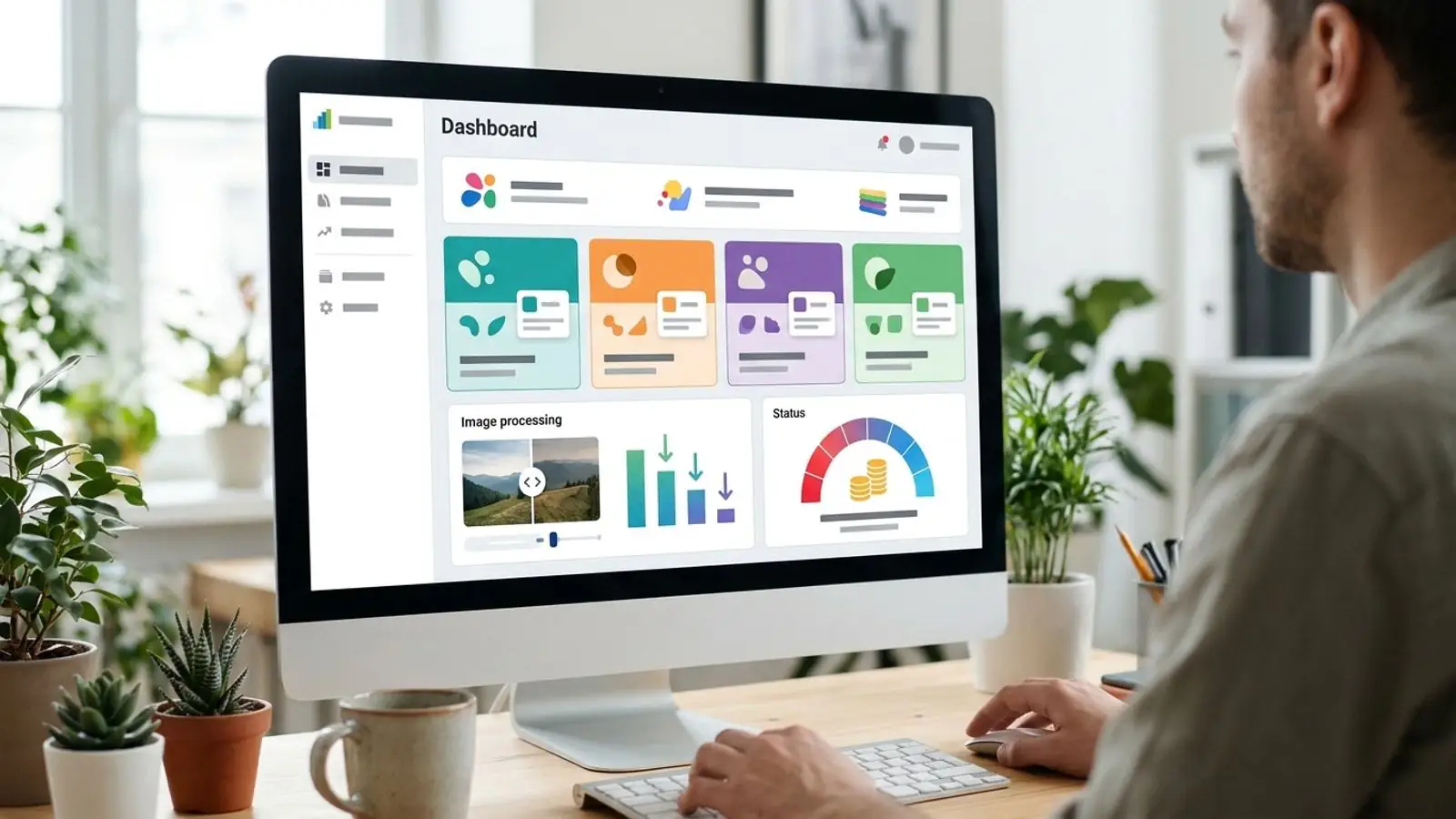
Branded compression api is easier when you start with a clear default and a quick visual check.
The quiet cost of "just use this site"
Many agencies and SaaS products have the same line somewhere in a help doc, onboarding email, or support macro: "Before uploading, compress your images with [some free tool]."
It works, sort of. The client opens a new tab, drags files into a site they've never heard of, downloads the results, and comes back. The pages load faster and nobody on your team had to build anything.
That link still costs you, though:
- You hand off a step in your own workflow. The moment a customer leaves your product to finish a task, you've told them part of the experience belongs to someone else.
- You can't answer basic questions. Where did those files go? How long are they kept? Who processed them? If a client's legal or procurement team asks, "a free website" doesn't answer it.
- You can't support it. When the third-party tool is down, rate-limits them, or changes its free tier, your support queue gets the tickets.
- You earn nothing from it. Image optimization is real, ongoing value, and you're giving it away to another brand.
This guide walks through replacing that outbound link with a branded compression API: a private image pipeline under your name, on your domain, billed on your terms.
What a "branded compression API" actually means
The term gets used loosely, so here's the definition this article uses. A branded compression API has four parts:
- Your identity on the surface. Customers see your product name, your domain, and your UI. The underlying engine doesn't show up in requests, responses, or download links.
- Your contract with the customer. You decide limits, formats, retention, and the service terms you offer. The upstream provider is your vendor, and your customer never deals with it.
- Predictable unit costs. You know what each processed image costs you, so you can price compression as a feature, an add-on, or part of a plan.
- One integration point. Your app, your clients' CMSs, and your internal tools all call the same private image API, not a mix of browser tabs and plugins.
You can build all four yourself on open-source encoders. Most teams find that the encoders are the easy part. Queues, scaling, format edge cases, metering, and staying on call for it all are where the work piles up. That's the gap a white label provider fills.
Why customers trust a branded pipeline more
People looking for a "white label TinyPNG alternative" usually aren't unhappy with compression quality. Popular public compressors generally do a good job on the files themselves. The trouble is in the business relationship around them.
Data handling you can actually describe
If your product handles client assets (product photos, unreleased campaign creative, user uploads), "we send them to a free public tool" is hard to defend. A private image API routed through your backend lets you write one clear sentence in your data-processing docs and stand behind it.
Brand continuity
An upload flow that stays inside your app feels finished. One that sends people to an outside site feels like a workaround, and customers notice, even if they never mention it.
Support and service terms you own
When compression is your feature, you set the response time, the escalation path, and the uptime commitment you publish. With a white label arrangement, you work out the upstream terms with your vendor and then offer your customers whatever service level fits your business. Even small agencies win deals this way, because a written commitment beats "it's usually up."
A line item, not a favor
An image compression reseller model turns a free tip into recurring revenue. You can bundle it into retainers, meter it per image, or use it to justify a higher tier.
The workflow: from outbound link to private image API
Step 1: Audit where you send people today
Before building anything, list every place customers are told to compress images somewhere else:
- Help center articles and onboarding emails
- CMS or storefront setup guides you've written for clients
- Support macros and canned replies
- Internal SOPs your team follows for client uploads
For each one, note roughly how many images go through it each month and who does the work, the client or your team. This gives you a baseline for volume and cost.
Step 2: Define the contract before the code
Write down what your branded endpoint will promise:
- Accepted inputs: JPG, PNG, WebP, AVIF, and any others your customers actually upload
- Outputs: keep the same format, convert to a target format, or both
- Size limits: maximum file size and dimensions per request
- Quality presets: two or three named presets ("web", "high", "archive") are usually better than exposing raw quality sliders
- Retention: how long processed files remain downloadable
- Service terms: what uptime and support response you'll commit to
Doing this first stops you from accidentally exposing every upstream option and then having to support all of them.
Step 3: Choose sensible format defaults (as of 2026)
Browser support has settled enough that you can choose defaults with confidence. Still, check against your own traffic analytics instead of trusting any one compatibility table.
| Use case | Sensible default | Notes |
|---|---|---|
| Photos for modern web pages | AVIF, with WebP or JPG fallback | AVIF is supported in current major browsers as of 2026. A <picture> fallback still protects older clients and in-app webviews. |
| General web images, broad compatibility | WebP | Widely supported in current browsers. Usually a safe single-format choice when your audience is on modern browsers. Older browsers and some webviews may not support it, so if you can't serve fallbacks and need legacy compatibility, JPEG is safer. |
| Email images | JPG / PNG | Email client support for newer formats varies a lot. Stay conservative. |
| UI graphics, screenshots, transparency | PNG or lossless WebP | Lossy settings can produce visible artifacts on sharp edges and text. |
| Print or archival handoff | Original format, light optimization | Don't silently convert files clients may reuse elsewhere. |
The default that does the most good for trust is never changing a customer's format without telling them. If your endpoint converts PNG to WebP, say so in the response and in the UI.
Step 4: Provision your white label environment
This is where you stop building infrastructure and start configuring it. On Comprestack, White label is set up through sales, not self-serve, because each deployment is configured for a specific brand and use case. A typical setup includes:
- A branded UI and API surface under your name
- Prepaid credits that your usage draws down, starting from $70
- Per-image pricing of $1 per 1,000 images, which makes cost modeling simple
Before the setup call, gather your Step 1 volume estimate, your Step 2 contract, and your brand assets.
Step 5: Put your backend in front of it
Even with a branded API, don't give customers upstream credentials. Route requests through your own backend so you control authentication, quotas, and logging. The pattern looks like this:
Customer app / CMS
        │  (your API key, your domain)
        ▼
Your backend (auth, per-customer quota, logging)
        │  (white label credentials, server-side only)
        ▼
Compression engine
        │
        ▼
Your backend → response under your brand
Practical rules for this layer:
- Keep vendor credentials server-side only. Never put them in browser code or mobile apps.
- Issue per-customer keys so you can meter, rate-limit, and revoke each client separately.
- Normalize errors into your own error format so upstream wording doesn't reach customers.
- Log input and output sizes for every request. This data feeds billing and shows customers the value they're getting.
For exact request formats, authentication, and response fields, use the API documentation. Don't copy endpoint shapes from blog posts, including this one.
Step 6: Meter and price it
Prepaid credits make reselling simple because your cost per image is fixed. A worked example of the arithmetic:
- A client processes about 40,000 images per month through your pipeline.
- At $1 per 1,000 images, your direct compression cost is about $40 per month.
- You can include it in their retainer, charge per image, or bundle it into a plan tier, with a margin you choose.
Set internal alerts for when your prepaid balance runs low, so a top-up never becomes an outage.
Step 7: Roll out and remove the old links
Go back to your Step 1 list and replace each outbound link:
- Help docs now point to your built-in compression feature.
- Onboarding emails describe it as part of your product.
- Support macros send people to your own status page, not a third party's.
Then track two things for a month: support tickets mentioning image uploads, and the average stored image size per client. Both should drop.
Decision table: link out, build it yourself, or white label
| Factor | Link to public compressor | Build in-house | White label |
|---|---|---|---|
| Upfront engineering | None | High (encoders, queues, scaling) | Low (integration + proxy layer) |
| Brand continuity | Broken: users leave your product | Full | Full |
| Data-handling story | Hard to defend | Fully yours | Yours, backed by a vendor agreement |
| Service terms you can offer | None | Whatever your team can staff | Built on negotiated upstream terms |
| Ongoing format maintenance | Not your problem, and not your control | Your problem | Handled upstream |
| Revenue potential | None | Yes, after build costs | Yes, from the first billed image |
| Cost predictability | Free until it isn't | Variable (compute, on-call) | Prepaid, per-image |
If you process a handful of images a year, a public tool is fine. If image handling is central to what you sell, or you're putting any client's name on the output, the last column is usually the better trade.
Pre-launch checklist
Before you announce your branded compression feature, confirm each item:
- [ ] Every outbound compressor link from Step 1 is listed and has a replacement
- [ ] Your contract is written: inputs, outputs, size limits, presets, retention
- [ ] Format conversion is always disclosed to the user, never silent
- [ ] Vendor credentials exist only on your servers
- [ ] Each customer has their own API key with quotas
- [ ] Error messages use your wording and format
- [ ] Input and output sizes are logged per request
- [ ] Low-balance alerts are set on prepaid credits
- [ ] Your data-processing docs describe the pipeline accurately
- [ ] Your published service terms match what your upstream agreement supports
- [ ] Email-bound images default to conservative formats
When a standard plan is enough
Not every team needs white label. If you're optimizing your own site and don't need your brand on the tool, a standard account is simpler. Comprestack's plans include a Free tier with 20 images per month, Pro at about $10 per month, Business at about $35 per month, and one-off packs for burst workloads.
White label fits when customers see the tool: you're reselling compression, embedding it in a client-facing product, or need a private image API under your own name.
Try it on Comprestack
If your docs still tell customers to "compress it somewhere else first," that's the step to bring in-house.
- Start the conversation: see White label details, then contact sales to set up a branded UI and API with prepaid credits from $70 at $1 per 1,000 images.
- Check the integration: read the API docs before your setup call.
- Test compression quality first: run your own sample images on the homepage or in your dashboard.
- Keep reading: more workflow guides are on the blog.
Your customers already trust you with their images. With white label, the compression step can run under your name too.
Try it on your images
Compress or convert in the browser — same quality-first pipeline we write about.