AVIF vs WebP in 2026: Which Format Should Your Next.js App Actually Serve?
AVIF vs WebP in 2026 for Next.js: browser support, encode cost, cache footprint, Next.js 16 image defaults, and a decision table that tells you which format to serve.
Mike · · · 9 min read · 1,744 words
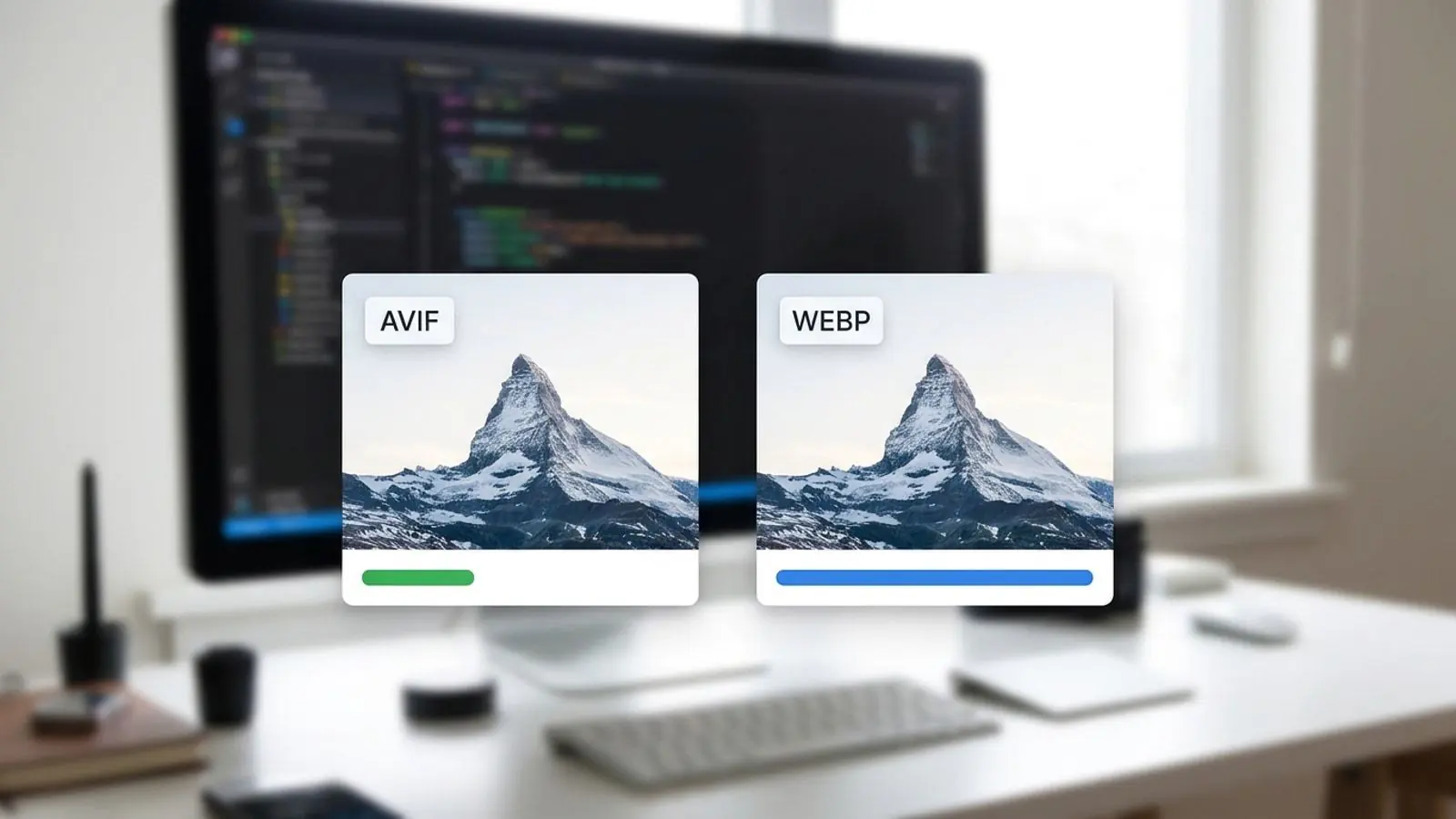
Avif vs webp in is easier when you start with a clear default and a quick visual check.
The short answer
For most Next.js apps in 2026, the sensible setup is AVIF first and WebP second, with the original file left as the final fallback. There is a catch. Next.js still ships with WebP as its only default output format, and its own docs still recommend WebP for most use cases. The reason isn't browser support. It's cost: AVIF is slower to encode, and every extra format you enable adds another set of cached variants.
So the real question is "can my infrastructure absorb AVIF's encode and cache cost?" rather than "is AVIF better?" This guide covers both, plus the configuration details that changed in Next.js 16.
What actually differs between AVIF and WebP
Both are modern formats that replace JPEG and PNG on the web. They come from different codec families, and that shows up in practice.
| Property | AVIF | WebP |
|---|---|---|
| Codec lineage | AV1 (still image in a HEIF container) | VP8 (lossy) / VP8L (lossless) |
| Typical lossy size vs WebP | Usually smaller, especially on photos | Baseline |
| Encode speed | Noticeably slower, more CPU | Fast |
| Transparency | Yes | Yes |
| Animation | Supported, tooling less mature | Supported, mature tooling |
| High bit depth / HDR | Yes (10/12-bit) | 8-bit only |
| Browser support (2026) | All current major engines | Effectively universal |
About the numbers
The Next.js documentation gives a deliberately rough rule of thumb: AVIF takes about 50% longer to encode and comes out about 20% smaller than WebP. Third-party write-ups report anything from modest to dramatic savings. The spread is real, because results depend heavily on:
- Content type. Photos with gradients, skin tones and soft detail favor AVIF the most.
- Encoder and speed setting. libaom, SVT-AV1 and rav1e at different effort levels produce very different files and encode times.
- Quality target. A "quality 75" in one encoder doesn't mean the same thing in another.
Don't take anyone's percentage at face value, ours included. Encode a representative sample of your images and compare the file sizes at a quality you'd actually ship.
Content type matters more than format loyalty
- Photography, hero images, product shots: this is where AVIF clearly earns its cost.
- Screenshots and UI with text: savings shrink, and aggressive AVIF settings can soften sharp edges. Compare at 100% zoom. Lossless WebP or a well-optimized PNG is often competitive.
- Icons and logos: use SVG. Neither raster format is the right answer.
- Animation: animated WebP has broader tooling. For anything long, a muted
<video>usually beats both image formats.
Browser support as of 2026
WebP works in every browser you're likely to care about. It's no longer a deciding factor.
AVIF is supported in Chrome 85+, Firefox 93+, Safari 16+ (iOS 16 / macOS Ventura and later) and Edge 121+. Published global estimates based on caniuse data mostly fall somewhere in the 90s. Sources disagree on the exact figure, so read any single number as approximate.
The remaining gap is mostly:
- Older iPhones and iPads that can't update past iOS 15
- Safari on macOS releases before Ventura
- Outdated Android browsers on low-end devices
- Proxy browsers in low-bandwidth markets
For a Next.js app using the built-in optimizer, this gap matters less than you'd expect. Format choice is negotiated per request through the Accept header, so a browser that doesn't advertise AVIF gets WebP or the original instead. No one sees a broken image.
Support outside the browser is a separate issue, and next/image doesn't help with it:
- Open Graph / social preview images: use JPEG or PNG for
og:imageunless you've tested every platform you care about. - Downloadable assets: some OS image viewers and desktop apps still handle AVIF poorly.
- Email and PDF pipelines: keep using JPEG or PNG.
How Next.js chooses the format
The built-in Image Optimization API works like this:
- It reads the request's
Acceptheader. - It walks your
images.formatsarray in order and serves the first format the browser accepts. - If nothing matches, or the source is animated, it serves the original format.
- It caches each output format separately.
Out of the box, formats is ['image/webp']. To add AVIF, you opt in explicitly:
// next.config.ts
import type { NextConfig } from 'next'

const nextConfig: NextConfig = {
  images: {
    // Order matters: first match in the Accept header wins
    formats: ['image/avif', 'image/webp'],

    // Next.js 16: only qualities listed here are allowed
    qualities: [60, 75, 85],

    // Longer TTL = fewer re-encodes; pair with versioned URLs
    minimumCacheTTL: 60 * 60 * 24 * 30, // 30 days

    remotePatterns: [
      { protocol: 'https', hostname: 'cdn.example.com', pathname: '/uploads/**' },
    ],
  },
}

export default nextConfig
If you write ['image/webp', 'image/avif'], nearly every browser accepts WebP, so AVIF will almost never be served. Put the format you prefer first.
Next.js 16 image defaults worth knowing
Several next/image defaults changed in Next.js 16. They affect the AVIF/WebP decision because they change how many variants you encode and how long you keep them:
images.qualitiesdefaults to[75]. Any otherqualityprop is rounded to the closest allowed value, and a direct/_next/imagerequest with an unlistedqreturns a 400. If your hero images usequality={85}, add 85 to the list.images.minimumCacheTTLdefaults to 4 hours (it used to be 60 seconds). That means less re-encoding, which matters a lot for AVIF. The tradeoff: an image you replace at the same URL can keep serving stale for hours. Since there's no built-in way to invalidate the cache, change the URL when content changes.16was removed from the defaultimageSizes. That makes thesrcsetslightly smaller.priorityis deprecated in favor ofpreload. For an LCP image,loading="eager"orfetchPriority="high"is usually enough. Usepreloadfor one image per page at most.
One quality value, two encoders
The quality prop goes to whichever encoder the negotiation picks. A given number doesn't produce the same perceived quality in AVIF and WebP, so a value that looks right in WebP may be more than AVIF needs, or less. Allowlist a small set of values, look at both outputs side by side on real content, and pick the lowest number that holds up. Don't copy a quality setting from a blog post.
The real production tradeoffs
Cold-cache latency
next/image encodes on demand. The first request for each width, quality and format combination pays the full encode cost. With AVIF that cost is higher, and a slow first image can end up as your LCP element. Pages that get steady traffic warm up quickly. Long-tail pages (big catalogs, user-generated content, deep archives) may serve a meaningful share of requests from a cold cache.
Cache and storage fan-out
Variants multiply. One source image rendered at 6 widths, with 3 allowed qualities and 2 formats, can produce up to 36 cached files. Turning on AVIF alongside WebP doubles that figure. For a few hundred marketing images it doesn't matter. For hundreds of thousands of product photos it does.
CPU on self-hosted and serverless setups
On a small VPS or container, a burst of cold AVIF encodes competes with SSR for the same CPU. On serverless, the encode time shows up on your bill and in your tail latency. Watch server CPU and image response times for a few days after enabling AVIF.
Proxies and CDN cache keys
If you self-host behind a reverse proxy or CDN, it has to forward the Accept header to Next.js. If it doesn't, every browser gets the same format and your formats setting quietly does nothing. The CDN also has to vary its cache by Accept (or by a normalized version of it). Otherwise the first browser to request an image decides which format everyone else gets. Check by requesting the same image URL with different Accept headers and comparing the Content-Type in the responses.
The alternative: encode ahead of time
If on-demand AVIF is too expensive for you, move the encode out of the request path:
- Static imports for images bundled with the app. They get content-hashed URLs and long-lived immutable caching.
- Pre-generated AVIF and WebP files (at build time or when an image is uploaded), served through a custom
loaderor withunoptimizedon images you've already optimized. <picture>markup (for example viagetImageProps) when you need explicittype="image/avif"andtype="image/webp"sources or art direction.
With this approach you pay the AVIF encode once per asset, not once per variant per cold cache. It works well for user uploads and large catalogs, where the built-in optimizer's fan-out costs the most.
Decision table
| Your situation | Serve | Reasoning |
|---|---|---|
| Marketing site or blog on a managed platform, modest image count | ['image/avif', 'image/webp'] |
High cache hit rate; AVIF savings show up on photos |
| Large e-commerce catalog, long-tail traffic | Pre-encode AVIF + WebP at upload; custom loader | Avoids cold encodes and variant fan-out |
| Self-hosted on a small server | WebP only to start; add AVIF after you measure CPU | Encode bursts compete with SSR |
| Mostly screenshots, UI, diagrams | WebP (lossless or high quality); test AVIF per asset | AVIF gains shrink on sharp-edged content |
| Photo-heavy, performance-critical (portfolio, travel, real estate) | AVIF first, WebP fallback | This is where AVIF helps most |
| Icons, logos, illustrations | SVG | Raster formats are the wrong tool here |
| Animated content | Animated WebP or <video> |
Most mature tooling and playback |
og:image, email, downloadable files |
JPEG / PNG | Compatibility outside the browser |
Pre-ship checklist
- [ ]
images.formatslists AVIF before WebP if you want AVIF served - [ ]
images.qualitiesincludes everyqualityvalue your components use - [ ]
minimumCacheTTLis set on purpose, and changed assets get new URLs - [ ] Your proxy/CDN forwards
Acceptand caches per format - [ ] An LCP image uses
loading="eager"orfetchPriority="high", not lazy loading - [ ]
sizesis set on responsive andfillimages so mobile doesn't download desktop widths - [ ] AVIF and WebP output compared side by side on real photos and screenshots
- [ ] Server CPU and image TTFB monitored for a few days after enabling AVIF
- [ ] Social preview images and downloads stay JPEG or PNG
- [ ] Large or user-uploaded libraries are pre-encoded instead of optimized on every request
Try it on Comprestack
Before changing next.config.ts, run a handful of your real images through both formats and compare the results:
- Compress and convert images: turn JPG and PNG into AVIF or WebP, then compare file size and visual quality side by side.
- Comprestack API docs: pre-encode AVIF and WebP when images are uploaded or at build time, so your Next.js server doesn't encode them on request.
- Plans and pricing: from the free tier up to Pro and Business. Agencies and platforms that need a branded conversion UI or API can look at White label.
More format guides are on the Comprestack blog.
Try it on your images
Compress or convert in the browser — same quality-first pipeline we write about.